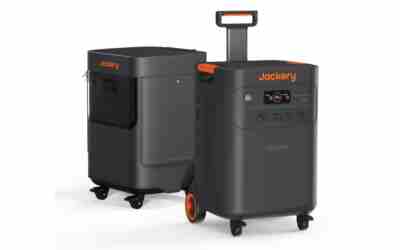

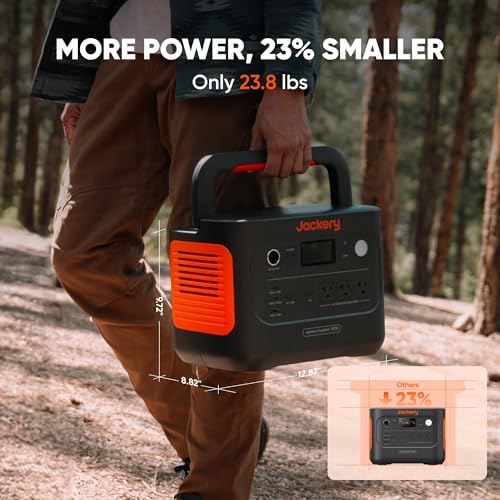
Our editorial team weighed Jackery's published specifications and how it stacks up against similar products in the generators category. What stands out: Lightning-Fast 1-Hour Charging, Efficient Battery Management, and User-Friendly Display & App. Where it falls short: Heavy at 23.8 lbs and Solar Sold Separately (Jackery Only). That puts it at 8.7/10 on our WG Score – an excellent, well-rounded option.
 Reviewed byEthan
Nobody selling you a portable power station is going to bring this up: the battery inside is aging from the day it leaves the factory, whether you use it or not. After ten years, most units don’t die all at once. They fade in a predictable order. The battery loses usable capacity first, then the parts that move heat and power start to wear, then the ports and buttons you touch most give out. Knowing that order tells you whether a $0 storage habit, a cheap cable, or a full replacement is the real fix.
Failure Point #1: Battery Capacity Fades Even When It Sits Unused
Every lithium battery wears in two ways at the same time. Cycle aging comes from charging and draining it. Calendar aging happens just from time passing, and it speeds up when the battery is stored hot or kept at 100% for months. This is why a power station that spent years “in reserve” in a hot garage can come out weaker than one that was used every weekend but stored sensibly.
Chemistry matters more than most listings admit:
- Older NMC (lithium-ion) units – many were rated for roughly 500 to 1,000 cycles before dropping to about 80% of original capacity. After a decade, a unit like this often holds noticeably less than its label says.
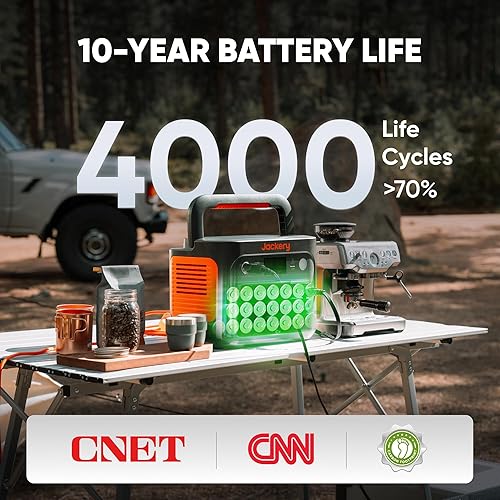
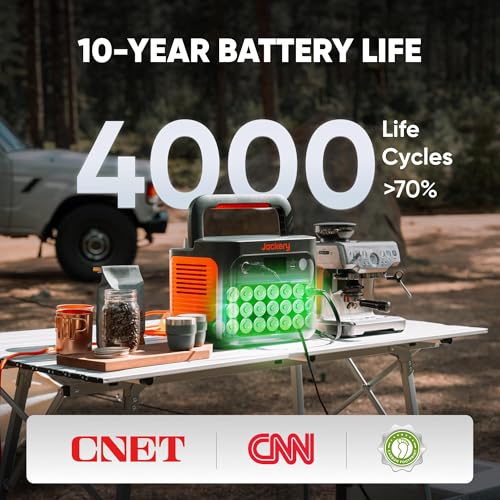
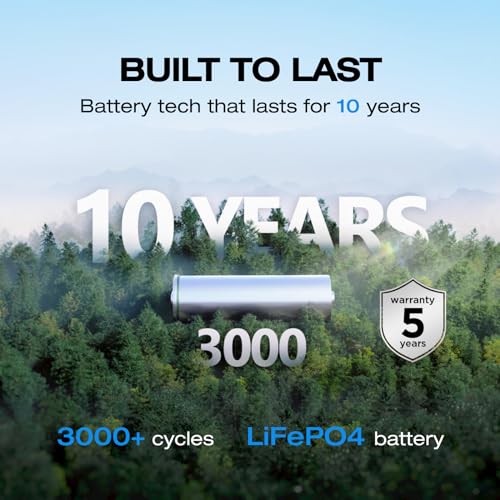
- Newer LiFePO4 (lithium iron phosphate) units – manufacturers commonly rate these for 3,000 cycles or more before falling to 70–80% capacity. They also tolerate heat and full charge better, so a well-kept LiFePO4 unit can still be genuinely useful at the 10-year mark.
The simple test: fully charge it, run a known load (a 60W light or a laptop charger), and time how long it lasts. Compare that to what the rated watt-hours should deliver. Our guide to what 1000Wh actually runs shows how to do that math, including the inverter losses every unit has.
Failure Point #2: The Parts That Handle Heat and Power
The battery gets all the attention, but the electronics around it age too, and they cause the failures that look the most alarming.
- Cooling fans – bearings wear and dust builds up. A fan that grinds, whines, or stops spinning lets the unit overheat and shut down under heavy loads it used to handle easily.
- Inverter capacitors – years of heat dry them out. The symptom is an AC output that trips, cuts out, or won’t start a fridge or power tool even though the battery shows plenty of charge.
- Battery management system (BMS) – the circuit that protects the cells can start reading them wrong as they drift apart with age. You’ll see the percentage drop suddenly, like 40% to 5% in minutes, or the unit shuts off well before it reaches empty.
A sudden percentage drop is not always a dead battery. Many brands recommend one full charge followed by a full discharge to help the BMS recalibrate. Try that before deciding the cells are gone.
Failure Point #3: What a Decade of Storage Habits Actually Does
This is the part you control, and it decides more about the 10-year outcome than the brand you bought. The three habits that do the most damage are:
- Leaving it at 100% for months – a full lithium battery under constant voltage ages faster. For long storage, most manufacturers suggest keeping it somewhere around 50–80%.
- Letting it drain to zero and forgetting it – every unit slowly self-discharges. A battery left empty for a long time can drop below the level the BMS will safely recharge from. Topping it up every few months prevents this.
- Storing it in a hot garage or car – heat is the biggest single cause of calendar aging. A summer of 100°F+ garage temperatures can cost more capacity than a year of normal use.
Our power station battery care guide covers the exact storage charge, temperature range, and top-up schedule in detail.
Failure Point #4: Ports, Buttons, and Charging Inputs (Usually Last)
The parts you physically touch wear out last but most visibly. USB-C ports get loose, AC outlets lose their grip on plugs, power buttons get sticky, and the DC or solar input jack can corrode if the unit was used outdoors in damp air. If the power station charges from the wall but not from solar, check the input connector and cable before blaming the panels. Our solar charging troubleshooting guide walks through that order step by step.
The Question That Actually Matters: Repair, or Replace?
Here’s the part sellers really don’t mention: on most portable power stations, the battery is sealed inside and is not designed to be replaced by the owner. Opening the case usually voids any remaining warranty, and lithium packs are not a safe DIY project. So the decision usually comes down to this:
- Worth keeping: it still holds enough runtime for what you actually use it for, and only one minor problem has shown up, like a loose port or a noisy fan.
- Time to replace: runtime has dropped well below what you need, the percentage jumps around even after a recalibration cycle, or the case shows any swelling. A swollen battery should be taken out of service right away and recycled. Don’t charge it again.
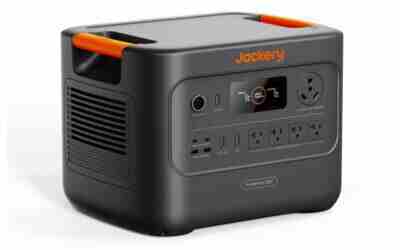
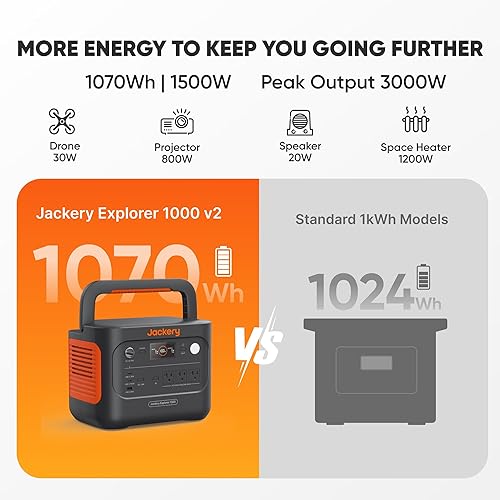
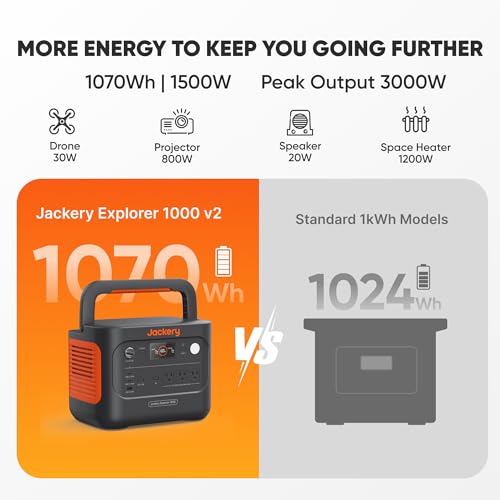
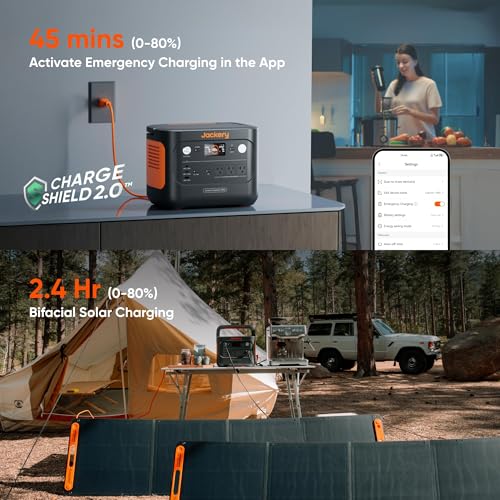
If you are replacing an older NMC unit, a LiFePO4 model is the single biggest upgrade for long-term ownership, because it addresses the main failure point on this list. The Jackery Explorer 1000 v2 is a good example of the newer generation: LiFePO4 cells, about 1,070Wh of capacity, and enough AC output for a fridge, CPAP, or small power tools during an outage.
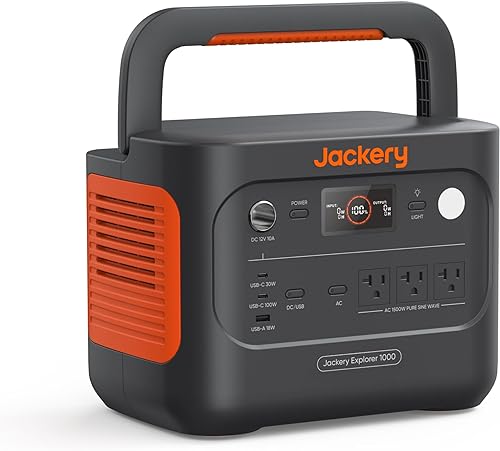
Jackery Explorer 1000 v2 Portable Power Station: 1070Wh LiFePO4, 1500W Output, 1Hr Fast Charge, Solar Generator for Camping, RV, Emergencies










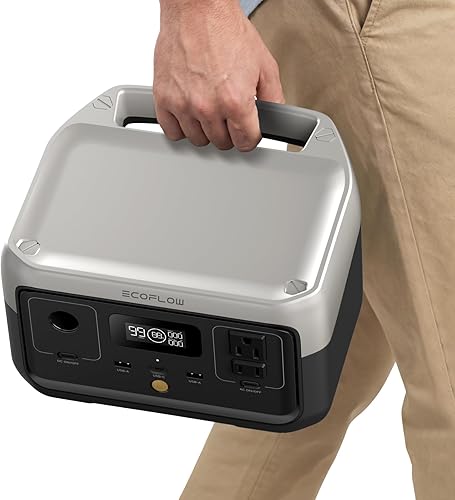
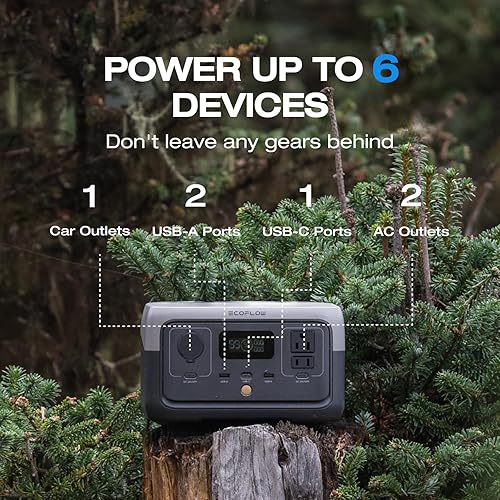
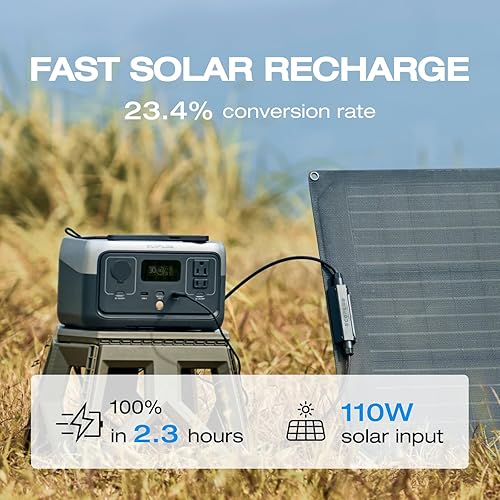
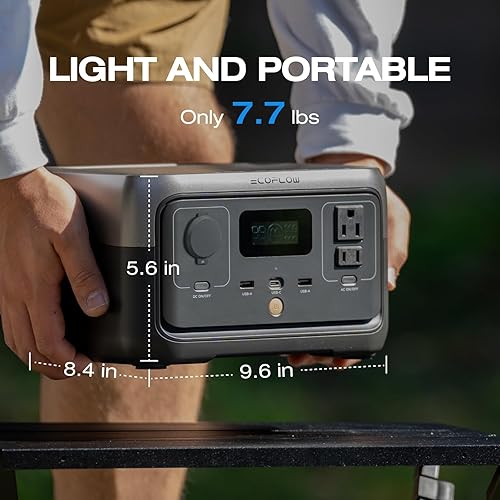
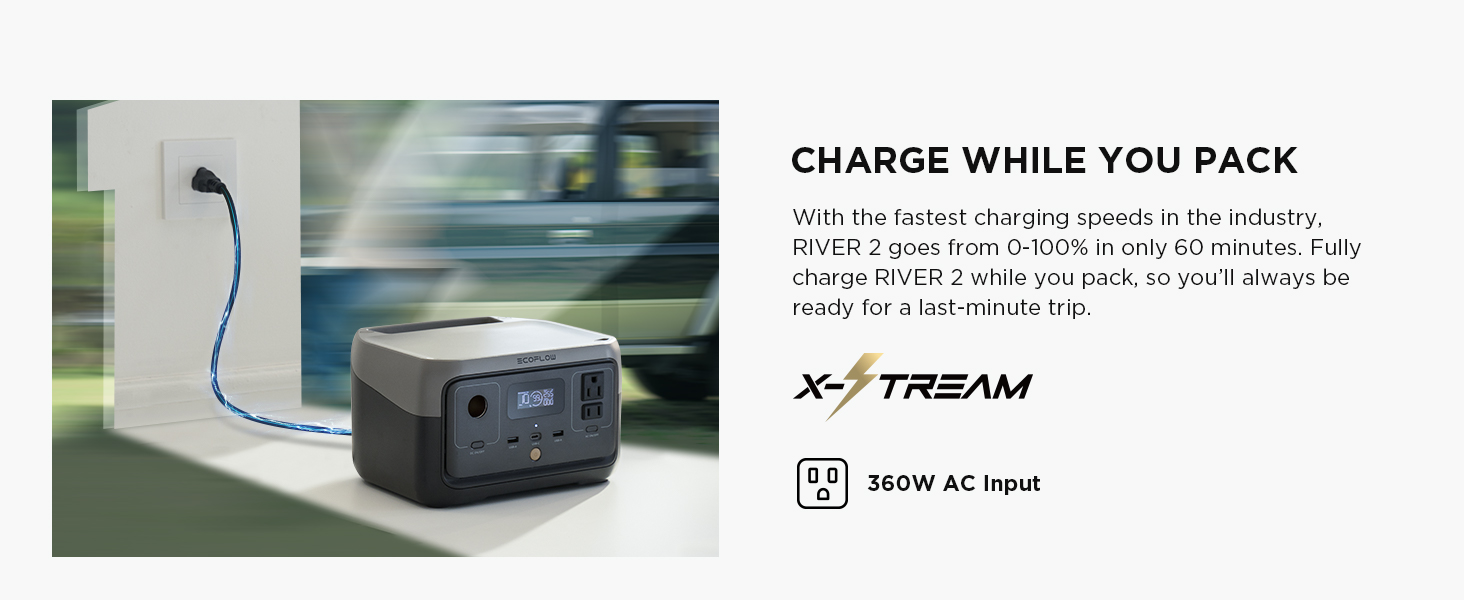
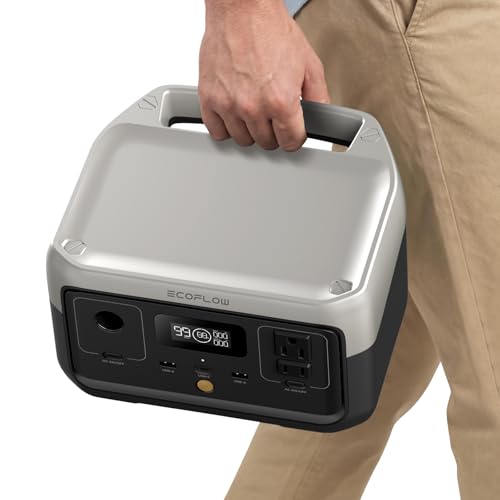
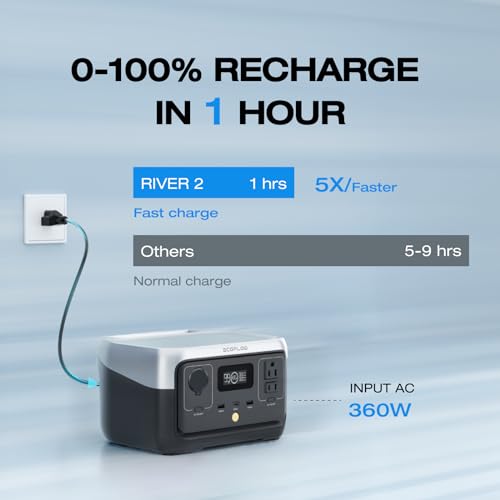
If you only need to keep phones, lights, and a laptop going, a smaller LiFePO4 unit gives you the same long-life chemistry in a much lighter package:

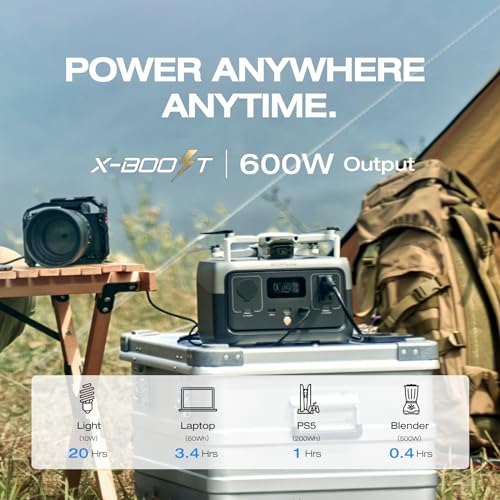
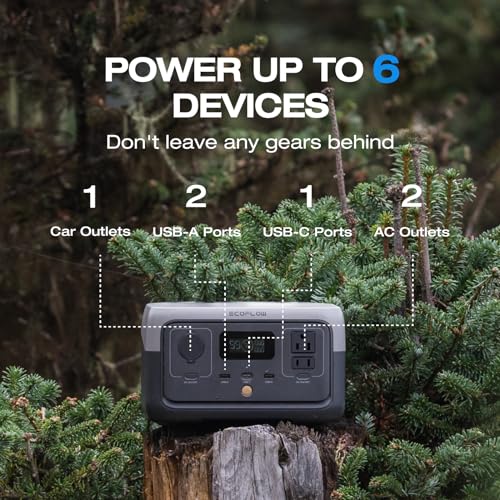
EcoFlow RIVER 2 Portable Power Station: 256Wh LiFePO4, 1Hr Fast Charge, 600W Output, Solar Generator for Camping, RV, Home Backup









For a wider comparison, see our best portable power stations roundup. And if you also own a gas generator, our companion guide on what generator sellers don’t tell you about the 10-year mark covers how engines fail differently from batteries.
Frequently Asked Questions About Power Stations After 10 Years
How long does a portable power station last?
It depends mostly on battery chemistry and storage habits. Older NMC units often show significant capacity loss within several years of regular use. LiFePO4 units are commonly rated for thousands of cycles and can remain useful for a decade or longer if they are stored cool and not kept at 100% for long periods.
Does a power station lose capacity if I never use it?
Yes. Lithium batteries age with time as well as with use, and that calendar aging speeds up with heat and a constant full charge. Storing the unit at a partial charge in a cool place and topping it up every few months slows it down.
Why does my power station’s battery percentage drop suddenly?
As cells age they drift apart, and the battery management system can misread the true charge level. Try a full charge followed by a full discharge to recalibrate it. If the sudden drops continue afterward, the cells have likely degraded.
Can I replace the battery in my portable power station?
On most models, no. The battery is sealed inside and isn’t designed for owner replacement, and opening the case can void the warranty and create a safety risk. A few expandable systems let you add external battery packs, but that adds capacity rather than replacing worn internal cells.
What should I do with a swollen power station battery?
Stop using and charging it immediately, keep it away from anything flammable, and take it to a battery recycling or household hazardous waste drop-off. Never puncture or try to open a swollen lithium pack.